

Table of Contents
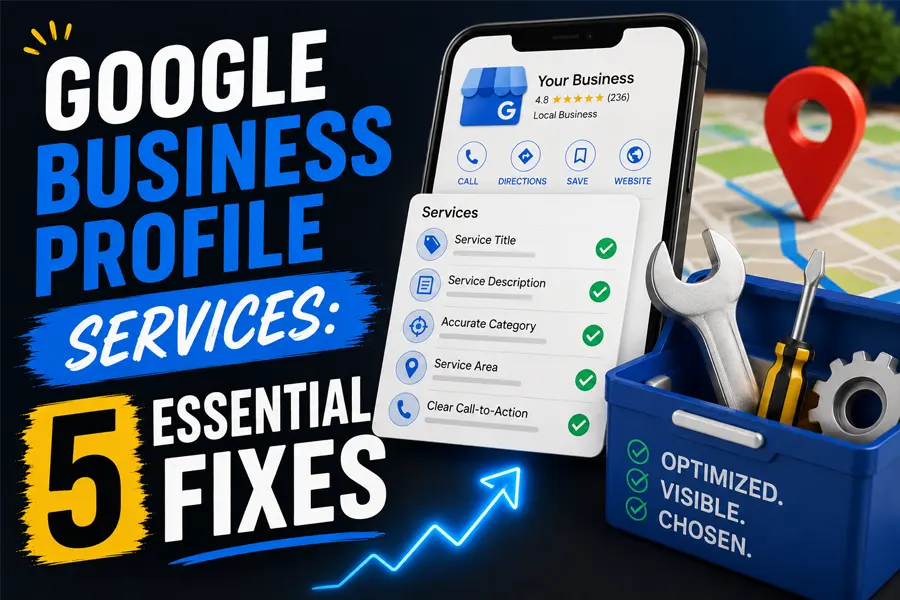
Your Google Business Profile services list just became one of the most important ranking factors on your listing. For years, this section was treated as a formality, something filled in once and forgotten. New research changes that completely: in Whitespark’s 2026 Local Search Ranking Factors report, adding Google’s predefined services jumped from the 81st most impactful ranking factor to the 22nd, the single biggest mover in the entire study. If you manage your own Google Business Profile services, or a marketing vendor does it for you, this is worth five minutes today.
Why Google Business Profile Services Suddenly Matter
Until recently, the Services section on a Google Business Profile was considered a local SEO myth, something that helped a listing look more complete but did nothing for rankings. Testing by Sterling Sky (the agency behind much of the Whitespark research) changed that narrative. Their team added Google’s own suggested, or “predefined,” services to test listings and watched rankings shift in real time. In one case, a business that only ranked in its immediate neighborhood started ranking across a much wider service area. In another, a business that did not rank at all for a specific term suddenly appeared in results after adding one predefined service.
That is why Google Business Profile services are no longer optional busywork. They are now one of the fastest, cheapest ways to widen the map area where your business shows up for the exact jobs you do.
How to Check and Add Your Google Business Profile Services
This takes about five minutes and does not require any technical skill. Here is the process:
- Log into your Google Business Profile and open the “Edit profile” menu, then click “Services.”
- Accept or edit any pending services Google is already suggesting for your category. You cannot see the full list of predefined services until these are handled, so do this step first.
- Click “Add more services” to see every predefined service Google offers for your business category, then check the box next to every one you genuinely provide.
- Add a short description to each service. A one or two sentence description helps both customers and Google understand exactly what you offer.
- Click Save and check back periodically, since Google adds new predefined services to categories over time.
Because Google keeps expanding the predefined service list for most categories, this should not be a one-time task. Add it to a recurring monthly checklist alongside the other Google Business Profile maintenance you already do, like responding to reviews and posting updates.
Predefined Services vs. Custom Services: What Actually Moves Rankings
Not all services are created equal in Google’s eyes, and understanding the difference will save you time.
Predefined services are the ones Google itself suggests based on your business category. These are the services tied to the ranking gains in the Sterling Sky research, and they are the priority. Accept and add every predefined service that accurately describes work you actually perform. Do not add ones that do not apply just to pad the list.
Custom services are ones you type in yourself that are not on Google’s suggested list. Sterling Sky’s team is still testing whether custom services carry the same ranking weight as predefined ones, and results so far are inconclusive. That said, custom services still help customers understand your full offering and can trigger helpful “Provides” tags in search results, so it is worth adding accurate custom services even while the ranking impact is unconfirmed.
The practical takeaway for a business owner: prioritize predefined Google Business Profile services first, then round out the list with custom entries for anything specific that Google has not yet added as an option.
Where Services Fit in the Bigger Local Ranking Picture
Google Business Profile services do not work alone. They are one piece of a larger set of signals Google weighs when deciding which businesses to show in the map pack, in AI Overviews, and in the local organic results. Here is how the major signal categories break down, based on Whitespark’s 2026 research:
| Signal Category | Approx. Ranking Weight | What It Includes |
|---|---|---|
| Google Business Profile Signals | ~32% | Category selection, services, business description, attributes, photos |
| On-Page Signals | ~19% | Website content, service and city pages, NAP consistency, schema markup |
| Review Signals | ~16% | Review count, review recency, star rating, owner responses |
| Link Signals | ~15% | Inbound links from relevant, authoritative local and industry sites |
| Behavioral Signals | ~8% | Click-through rate, calls, direction requests, booking activity |
| Citation Signals | ~7% | Consistent business listings across directories |
Notice that Google Business Profile signals, the category your services list belongs to, carry the single largest share of ranking weight of any category. That is exactly why a five-minute services update can move the needle faster than almost anything else you could do to your listing today.
A Simple Monthly Routine to Stay Ahead
Here is the order of operations we recommend to clients, laid out as a repeatable monthly routine:
Check for Pending Services
Open the Services tab and accept or edit anything Google is suggesting.
Add New Predefined Services
Click “Add more services” and select every accurate match Google offers.
Write Short Descriptions
Give each service one or two sentences describing what customers get.
Recheck Reviews and Photos
Reinforce services with fresh reviews and photos that show the work.
Running this Google Business Profile services routine once a month keeps you ahead of two things at once: new predefined services Google adds to your category, and competitors who still have not caught on to this ranking shift. With 46% of all Google searches now carrying local intent, and AI Overviews increasingly citing the same businesses that already rank well in the map pack, a complete services list is doing double duty, helping you rank in the map pack and get cited in AI-generated answers. If you would rather have a professional handle the full audit, FOG Digital Marketing’s Google Business Profile optimization service covers the services section along with reviews, photos, and posts.
Frequently Asked Questions
Do Google Business Profile services really affect rankings, or is this a myth?
It was considered a myth for years. New testing published by Sterling Sky and reflected in Whitespark’s 2026 ranking factors report shows that adding Google’s predefined services now produces measurable ranking improvements for those specific service terms. It is no longer accurate to treat the services section as cosmetic.
How many services should I add to my Google Business Profile?
Add every predefined service that accurately reflects work you actually perform, then add relevant custom services on top. There is no fixed maximum, but accuracy matters more than volume. Do not add services you do not actually offer just to appear in more searches.
How often should I update my Google Business Profile services list?
Check monthly. Google periodically adds new predefined services to business categories, and a listing that only gets set up once will fall behind competitors who are checking regularly for new options to add.

Don't Let Your GBP Services List Cost You Rankings
FOG Digital Marketing audits and optimizes your Google Business Profile, including the services section, so you capture every ranking signal Google now rewards.
Our Blog
Website Design Blogs

Core Web Vitals 2026: Why Slow Sites Are Losing Rankings
Core Web Vitals 2026: Why Slow Sites Are Losing Rankings July 7, 2026 Web Design Table of Contents If your website takes more than 2.5 seconds to show...

ADA Website Compliance: Critical 2026 Alert for Owners
ADA Website Compliance: Critical 2026 Alert for Owners July 6, 2026 Web Design Table of Contents If your website has a broken form field, low-contrast text, or an...

Achieve Success With Expert Web Design In San Antonio
Achieve Success With Expert Web Design In San Antonio November 7, 2024 Web Design San Antonio Web Design Services | Build Your Online Success In our city of...