

Table of Contents
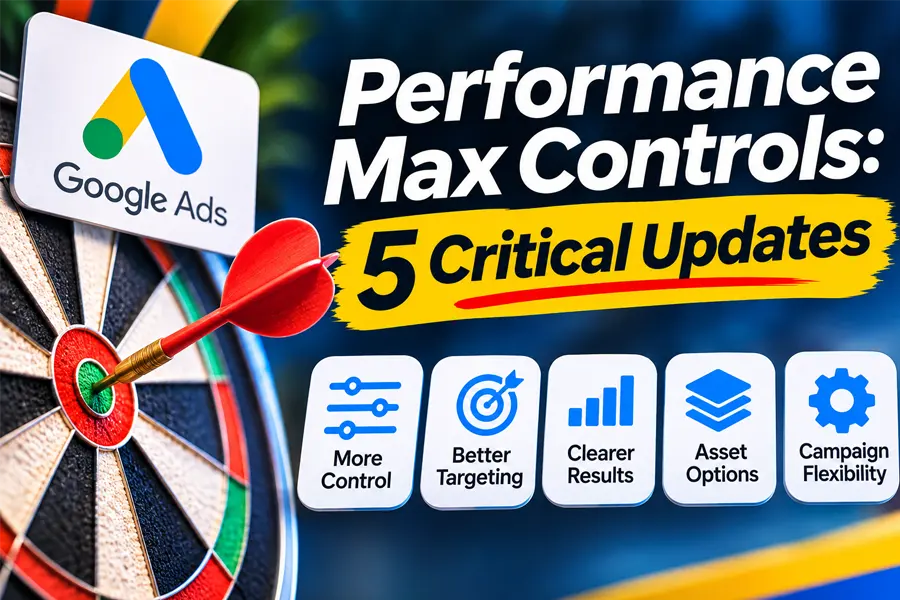
Google just handed you the steering wheel back on Performance Max, and if you are not using the new controls, you are almost certainly paying to re-convince customers you already won. For three years, Performance Max ran as a black box: you fed it a budget and creative assets, and Google’s AI decided who saw your ads, where, and how much to spend chasing them. Business owners had no way to stop the system from spending money re-targeting people who already bought, or to block obviously wrong search terms. That changed with a wave of updates rolling out through 2026. Performance Max controls now include first-party audience exclusions, campaign-level negative keywords, and real budget and audience reporting, and every business running Google Ads needs to turn them on this week.
What Actually Changed in Performance Max
Performance Max is the Google Ads campaign type that automatically places your ads across Search, Display, YouTube, Gmail, Maps, and Discover from one campaign. It has been the default recommendation from Google reps for two years because it tends to outperform manual campaigns on raw conversion volume. The tradeoff was control. You could not see which channel your budget went to, you could not stop the AI from serving ads to people already in your customer list, and you could not block specific search terms the way you can in a normal Search campaign.
Google’s own product team confirmed the fix in a 2026 announcement: new Performance Max controls give advertisers “more ways to steer Google AI and see where your budget goes.” That is a direct admission that the original version was too opaque for business owners to trust with real money. If you paused Performance Max last year because it felt like a black hole for your budget, this is the moment to look again.
Control 1: First-Party Audience Exclusions
This is the single most useful of the new Performance Max controls for a local or small business. You can now upload your customer list, your email subscriber list, or your website visitor list and tell Performance Max to exclude those people from targeting. Before this update, the AI would happily spend part of your daily budget showing ads to your own existing customers and recent converters, because it could not tell the difference between a new prospect and someone who bought from you last month.
For a business with a limited monthly ad budget, that inefficiency is real money. If ten percent of your Performance Max spend was going toward people who already purchased, turning on audience exclusions should immediately free up budget to find new customers instead. Set this up under your campaign settings in the audience exclusions area, and upload both a Customer Match list and a Website Visitors list if you have one connected.
Control 2: Campaign-Level Negative Keywords
Search and Shopping campaigns have always let you block irrelevant search terms with negative keywords. Performance Max did not, which meant a plumbing company’s ads could show up for “plumbing internships” or a dental practice’s budget could burn on “dental school requirements.” You had no lever to pull.
Now you can add negative keywords directly at the Performance Max campaign level, and they apply across both the Search and Shopping components of that campaign. This is one of the Performance Max controls worth checking weekly, not just setting once. Pull your search terms report (now viewable inside Performance Max reporting) every week for the first month, flag anything irrelevant or low intent, and add it to your negative list. Most businesses find five to fifteen wasteful terms in the first review alone.
Control 3: Budget and Audience Reporting You Can Actually Read
The reporting side of these Performance Max controls matters just as much as the targeting side. You can now open a budget report inside the campaign that projects your end-of-month spend based on current pacing, so you are not guessing whether you will blow through your monthly ad budget by the 20th. A full audience report also breaks down performance by age range and gender, and a new network segmentation view shows which placements (a specific YouTube channel, app, or website) your ads actually served on, which matters for brand safety.
The table below summarizes what changed and what a business owner should do about each item.
| Performance Max Feature | Before | Now | What To Do This Week |
|---|---|---|---|
| Audience Targeting | No way to exclude existing customers | Upload Customer Match and Website Visitor exclusion lists | Upload your customer list under audience exclusions |
| Search Term Control | No negative keywords allowed | Campaign-level negative keywords across Search and Shopping | Review search terms weekly, add negatives |
| Budget Visibility | No end-of-month projection | Built-in budget report with spend pacing | Check the budget report every Monday |
| Placement Transparency | Placements were bundled and hidden | Network segmentation shows exact placements | Scan placement report monthly for brand safety |
| AI-Generated Assets | Auto-generated variations with no flag | AI variations flagged in reporting, can be disabled | Review flagged assets before approving |
How to Turn On These Performance Max Controls This Week
You do not need an agency or a certification to do this. Set aside thirty minutes and work through it in order.
Export Your Customer List
Pull recent customers and email subscribers into a CSV.
Upload to Exclusions
Add the list under campaign audience exclusions.
Add Negative Keywords
Block obviously irrelevant search terms at the campaign level.
Check the Budget Report
Review spend pacing every Monday morning.
Do these four things once, then repeat steps three and four weekly. That habit alone is usually enough to stop obvious budget waste without touching your bids or creative at all.
Is Performance Max Still Worth Running?
For most local and small businesses, yes, especially now that the new Performance Max controls close the biggest trust gap. The campaign type still tends to find conversions that manual Search campaigns miss, because it can pull in Display, YouTube, and Discover placements you would never manage by hand. What changed is that you are no longer flying blind while it does that. If you tried Performance Max in the past and turned it off out of frustration with the lack of control, these updates are the reason to reconsider it rather than write it off permanently.
One caution: these Performance Max controls only help if someone actually checks them. An automated campaign with unused exclusion settings and an empty negative keyword list behaves exactly like the old version. Put a recurring 15-minute reminder on your calendar to review it, or ask whoever manages your ads to show you the budget report each month.
Frequently Asked Questions
- Do I need to rebuild my Performance Max campaign to use these new controls? No. The new Performance Max controls, including audience exclusions and negative keywords, are added inside your existing campaign settings. There is no need to pause or recreate the campaign.
- Will excluding existing customers hurt my sales numbers? It should not. Audience exclusions stop the AI from spending new-customer budget on people who already converted; it does not stop your remarketing or email efforts from reaching them through other channels. Most businesses see the same or better new-customer volume after turning it on.
- How often should I check my Performance Max controls once they are set up? Weekly for the first month while you are still finding wasteful search terms, then monthly once the account has settled. The budget report is worth a quick glance every Monday regardless.

Stop Wasting Ad Spend on Performance Max
FOG Digital Marketing sets up and audits your Performance Max controls so your ad budget goes toward new customers, not the ones you already won.
Our Blog
Website Design Blogs

WordPress 7.2 Is Coming: 6 Steps to Prep Your Site
Bing Webmaster Tools now shows which AI answers cite your website and which questions your competitors win. Here are 6 steps San Antonio business owners can take this...

DreamHost Breach: 5 Steps Every Website Owner Takes
Bing Webmaster Tools now shows which AI answers cite your website and which questions your competitors win. Here are 6 steps San Antonio business owners can take this...

Google Updated Its URL Rules: What Owners Check
Google Updated Its URL Rules: What Owners Check October 29, 2026 Web Design Table of Contents Google updated its URL structure guidance in late October, and the message...