

Table of Contents
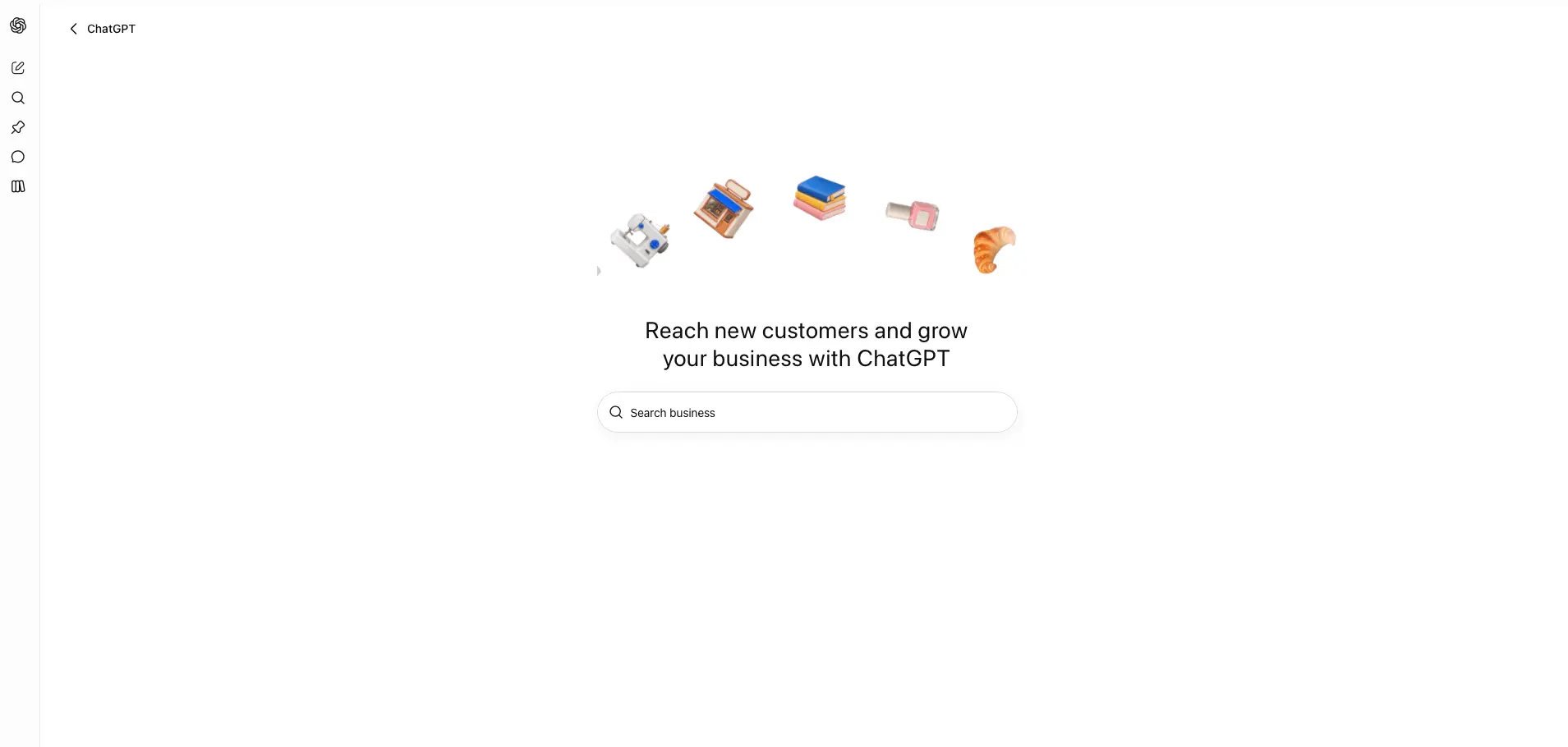
On November 10, 2026, OpenAI launched ChatGPT Business Hub, a new tool that lets you claim your business inside ChatGPT, verify that you own it, update the information ChatGPT shows about you, and see how often ChatGPT mentions your business and sends people to your website. If customers ask ChatGPT for recommendations in your industry, this is now the official place to make sure it describes you correctly. OpenAI has announced no fee to claim, you do not need an ads account or an Enterprise agreement, and most owners can finish the hands on part in under 30 minutes.
We are FOG Digital Marketing in San Antonio, and we help local businesses get found in Google, Bing and AI assistants. ChatGPT Business Hub is one of the biggest changes to AI search for business owners so far, and it is the closest thing yet to a Google Business Profile for ChatGPT. Below we explain what it is, who can use it, what you gain, and the exact steps to claim your business this week.
Key Takeaways
- OpenAI introduced Businesses in ChatGPT in beta on November 10, 2026, and says ChatGPT reaches 1.2 billion people each week.
- ChatGPT Business Hub, at chatgpt.com/business-hub, lets an owner or authorized representative claim a business, manage its information, and view insights.
- You can verify a claim by business phone, business email, a website domain TXT record, or a Shopify store connection.
- A blue verified badge appears only after you also pass an identity check with Persona, which may ask for a government ID and business registration details.
- Insights cover the past 28 days and show mentions, website clicks, and discovery topics, which are common themes in ChatGPT answers that cite your business.
- Claiming does not buy better rankings: OpenAI states that claiming does not guarantee visibility and that advertising does not influence ChatGPT’s independent answers.
What Is ChatGPT Business Hub?
ChatGPT Business Hub is OpenAI’s new dashboard for business owners. In its official announcement of Businesses in ChatGPT, OpenAI describes three things you can do there: claim your business, keep your information current, and understand how people engage with you in ChatGPT. A fourth feature, called Business Agents, is rolling out first to eligible ecommerce and online service businesses in the United States.
Until now, ChatGPT built its picture of your business from whatever it found online: your website, directories, reviews and news. You had no direct way to correct it. ChatGPT Business Hub gives you that channel for the first time. Once verified, you can supply your website, description, category, logo, delivery and return policies, a cover photo and other optional details, and online sellers can connect a product feed with prices and availability.
Think of ChatGPT Business Hub as three tools in one:
- A profile manager. When ChatGPT names your business in an answer, people can click through to your ChatGPT profile. Business Hub is where you control what that profile says.
- An analytics dashboard. It shows how often ChatGPT mentions you and how many people click to your website, numbers owners could not see before.
- An agent builder. Eligible businesses can publish a Business Agent, a chat assistant that answers customer questions about products and policies using information you provide.
Who Can Claim a Business in ChatGPT Business Hub?
According to OpenAI’s help center guide to setting up your business on ChatGPT, you can claim a business if you own it or are authorized to represent it. You do not need an ads account or a ChatGPT Enterprise agreement. Here is how eligibility breaks down today:
- Local stores and restaurants can currently claim only an existing listing in the United States. If ChatGPT already shows your location, you can claim it. If it does not, you cannot add it yet. Local service businesses should search for an existing listing first, since availability depends on location and business type.
- Online businesses that cannot find themselves may see an option to add a new listing.
- Business Agents are limited to eligible ecommerce and online service businesses in the US that have a website and meet the industry rules in OpenAI’s Business Agents Policy. Local businesses such as plumbers, dentists or HVAC contractors may be able to claim a profile, but agents are not available to them yet.
- Multi location businesses must claim each brand and each location separately. Claiming the main brand does not claim its locations.
The whole program is labeled beta, so eligibility and screens may change. Check again in a few weeks if your business type is not supported today.

What Are the Benefits of ChatGPT Business Hub for My Business?
The honest answer first: claiming your business will not push you to the top of ChatGPT’s recommendations. OpenAI says plainly that claiming “doesn’t guarantee increased visibility.” So why bother? Because ChatGPT Business Hub gives you five things you could not get before.
- Accurate information where buyers are deciding. If ChatGPT has an old website address, the wrong category, or a stale return policy, you can now correct it at the source. Wrong details in an AI answer cost you the customer before they ever reach your site.
- A verified badge. After Persona identity approval, your profile shows a blue check. That signals to shoppers that the real business stands behind the listing.
- Your first real ChatGPT analytics. Insights show mentions, website clicks and discovery topics over the past 28 days. For a local business, a mention counts each time ChatGPT shows a result for your location, even if the person never clicks. For an online business, it counts when ChatGPT references your website. Your brand name alone does not count.
- Protection against someone else claiming you. A published profile cannot be deleted or unpublished, even by OpenAI Support. If a former employee, an agency you fired, or a competitor claims your listing first, you are stuck with the dispute process. Claiming early avoids that.
- A 24/7 product expert, for eligible sellers. A Business Agent can answer questions like “Can I return an item I bought on sale?” using your policies, then link the customer to your website to buy. It cannot complete purchases, take bookings, or look up orders yet.
Privacy is built in. OpenAI does not share individual conversations or Business Agent chats with businesses. You see totals and themes only, and only after activity passes a reporting threshold. A blank metric does not necessarily mean zero activity.
How Is ChatGPT Business Hub Different From Google Business Profile?
The two tools solve the same problem on different platforms. You need both. ChatGPT Business Hub does not replace your Google Business Profile, and Google is still where most local searches start. The table below compares them side by side.
| Feature | ChatGPT Business Hub | Google Business Profile |
|---|---|---|
| Where customers see you | ChatGPT answers and your ChatGPT profile | Google Search and Google Maps |
| Cost | No fee announced to claim or manage | Free |
| How you verify | Phone, email, domain TXT record or Shopify, plus Persona ID check | Methods Google offers per business, such as video or phone |
| What you can edit | Website, description, category, logo, cover photo, delivery and return policies, product feed | Hours, photos, services, products, posts and more |
| Analytics | Mentions, website clicks, discovery topics over 28 days | Searches, calls, website clicks and directions |
| Customer chat | Business Agent for eligible US online sellers | Not a core feature |
| Pay to rank higher? | No, ads are labeled and separate from answers | No, ads are labeled and separate from organic results |
One more difference matters. ChatGPT still forms its own opinion from the whole web. OpenAI notes that “ChatGPT may also use other sources” when answering questions about your business. Your reviews, website content and directory listings still shape what it says. That is why AI search optimization still matters after you claim.
How Do I Claim My Business in ChatGPT Business Hub Step by Step?
Set aside 30 minutes and have your business phone, your website login or domain registrar login, and your government ID nearby. Use a ChatGPT account the company controls, such as one tied to a shared business email, because the account that claims the business becomes its admin.
7 Steps to Claim Your Business in ChatGPT
Open Business Hub
Sign in to ChatGPT with a company controlled account and open Business Hub from the sidebar or at chatgpt.com/business-hub.
Search for your business
Type your business name, select the listing that matches your address, and confirm the account that will manage it.
Choose a verification method
Pick business phone (text or automated call), business email, a website domain TXT record, or your Shopify store.
Wait for claim approval
OpenAI reviews the claim and emails you a decision or a request for more information.
Complete Persona identity verification
Select Verify with Persona and submit your ID and business details. This unlocks editing, insights and the blue verified badge.
Update your business information
Add your website, description, category, logo, cover photo and policies. OpenAI reviews changes before they publish.
Check Insights and build an agent if eligible
Review mentions and website clicks. Eligible US online businesses can build, preview and publish a Business Agent.
A few details trip people up. If you see Contact support instead of a claim button, your listing is locked, so select it to request access. If someone already claimed your business, open its profile, select the three dot menu, and choose Dispute ownership. While your claim is pending you can select Cancel claim. If a Persona check fails, make sure the business name, address and any registration or tax number match your official records exactly, then try again.
Choosing domain verification? The TXT record works the same way as the SPF and DMARC records that protect your business email. Copy the type, host and value exactly. If your web developer or host manages DNS, send them the record. Our technical SEO team handles these DNS changes for clients every week.
What Should I Do After My ChatGPT Profile Is Verified?
Verification is the start, not the finish. Use this checklist in your first week:
- Write a description that answers buyer questions. Say what you do, who you serve, and where, in plain sentences. “Family owned HVAC repair and installation serving San Antonio, Boerne and New Braunfels since 2009” is far more useful to an AI than a slogan.
- Pick the most specific category available. The category helps ChatGPT match you to the right questions.
- Match your Google Business Profile. Use the same business name, address, phone number and website everywhere. Conflicting details make every platform less confident in you.
- Add your policies. Delivery and return policies are exactly what shoppers ask ChatGPT about before buying.
- Connect a product feed if you sell online. Upload a CSV that follows OpenAI’s product feed specification, or link your Shopify feed, so prices and stock stay current.
- Invite your team or agency properly. The admin can add teammates and grant an agency access in Business Hub. Each person needs their own ChatGPT account. Never forward your personal claim invitation.
- Check Insights every month. Write down mentions and website clicks on the first of each month, and read the discovery topics for content ideas.
Remember that OpenAI reviews every change before it publishes, and updates can take time to show up in answers. Make your edits once, carefully, then give them time to appear.
Common Mistakes to Avoid
- Claiming with a personal account. If that employee leaves, so does your admin access. Use a company controlled account.
- Rushing a new profile through Persona. If you create a brand new profile through Persona, approval publishes it automatically, and published profiles cannot be deleted. Proofread everything first.
- Leaving the marketing email box checked by accident. Early users report the claim flow includes a pre checked box for OpenAI marketing emails. Uncheck it if you do not want them.
- Thinking the upsells are required. The flow may offer ChatGPT Ads credit or a ChatGPT Business upgrade. Neither is needed to claim or manage your profile.
- Treating a blank Insights screen as zero. Low traffic businesses may not meet the reporting threshold yet. That does not mean ChatGPT never mentions you.
- Ignoring your website. Business Hub corrects your profile, but ChatGPT still reads your site. Slow, thin or outdated pages still hurt you.
If you want to see how AI already finds you, our guides to Bing’s AI citation report and the ChatGPT ads expansion pair well with ChatGPT Business Hub. Together they show where AI assistants cite you, what they say, and where paid placement fits.
Frequently Asked Questions
Is ChatGPT Business Hub free?
Yes, OpenAI has announced no fee to claim or manage your business in ChatGPT Business Hub, and you do not need an ads account or an Enterprise agreement. Early guides report it works from any ChatGPT plan, including the free plan. ChatGPT Ads are a separate, optional paid product.Will claiming my business make ChatGPT recommend me more?
No, claiming does not guarantee more visibility. OpenAI says it lets you manage the information you provide, and that advertising does not influence ChatGPT’s independent answers. Accurate information, strong reviews and a helpful website are still what earn recommendations.What do I need to verify my business?
You need access to one verification method, such as your business phone, business email, website domain DNS, or Shopify store, plus a Persona identity check. Persona may ask for a government ID, business registration information, and proof that you are authorized to represent the business.Can a local service business like a plumber or dentist use ChatGPT Business Hub?
Yes, if ChatGPT already has a US listing for your location, you can claim it and manage its profile and insights, subject to OpenAI’s eligibility rules for your business type. Business Agents, however, are currently limited to eligible US ecommerce and online service businesses with a website.How long does approval take?
OpenAI does not publish a fixed review time and emails you its decision or a request for more information. OpenAI says review time varies. One early tester reported a claim approved in a little over two hours.
AI assistants are becoming the first stop for buyers comparing businesses, and ChatGPT Business Hub is the first time OpenAI has handed owners the keys to their own listing. Claim yours this week, verify it with Persona, match it to your Google Business Profile, and start tracking your mentions. If you would rather have experts handle it, the FOG Digital Marketing team in San Antonio will claim, verify and optimize your ChatGPT profile alongside your Google presence, as part of our San Antonio SEO services.
Is Your Business Ready to Be Found in ChatGPT?
FOG Digital Marketing claims and verifies your ChatGPT Business Hub profile, aligns it with your Google Business Profile, and tracks your AI mentions every month. Book a free 30 minute call and we will check how ChatGPT describes your business today.
Our Blog
Website Design Blogs

WordPress 7.2 Is Coming: 6 Steps to Prep Your Site
Bing Webmaster Tools now shows which AI answers cite your website and which questions your competitors win. Here are 6 steps San Antonio business owners can take this...
DreamHost Breach: 5 Steps Every Website Owner Takes
Bing Webmaster Tools now shows which AI answers cite your website and which questions your competitors win. Here are 6 steps San Antonio business owners can take this...

Google Updated Its URL Rules: What Owners Check
Google Updated Its URL Rules: What Owners Check October 29, 2026 Web Design Table of Contents Google updated its URL structure guidance in late October, and the message...